Point of sale and booking systems
A direct connection to the appointments, services, products and clients in your existing system. Saloncare reads your records and keeps them current without changing your routines at the till.
Help · Connecting
Saloncare works alongside the till and calendar you already have. It reads what happens there and lays a layer of memory and advice over it. This page shows how the connection works, what flows through it and how to move over from pen and paper.
The principle
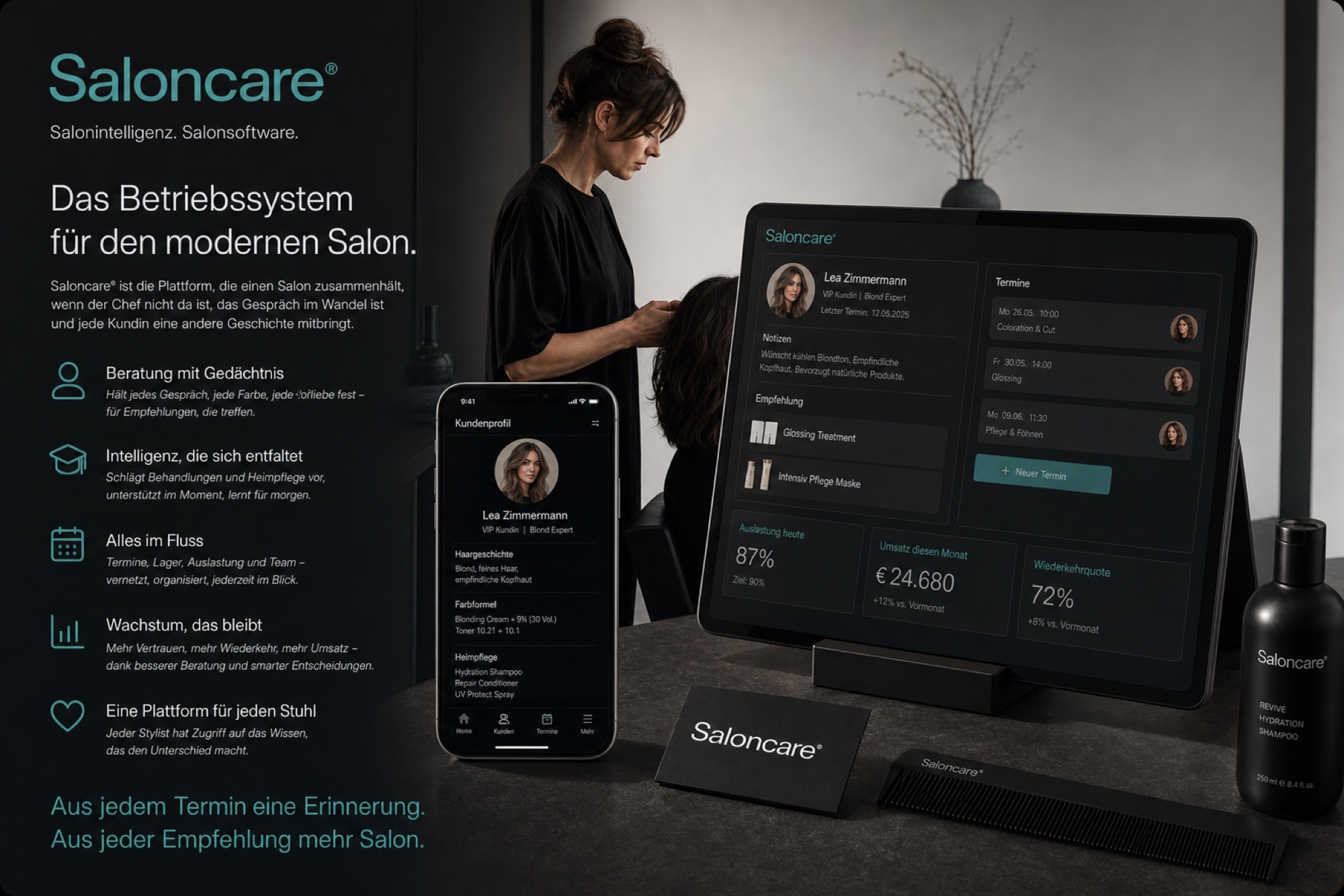
Saloncare is the operating system for the modern salon. Today it takes in your tools rather than replacing them on day one; the goal is one system instead of many, one subscription for the whole salon. Saloncare connects to both and reads the events that occur anyway: appointments, services, purchases, clients.
From those events Saloncare builds the salon memory, feeds the tablet at the chair with each client's story and fills the cockpit with reporting. You carry on as usual; the intelligence emerges from what you already do.
The connection is deliberately careful. By default Saloncare only reads. Only when you allow it does the system write back as well, for example to leave a follow-up recommendation as a note in the client profile in your till.
Supported systems
We build out the connections along what salons actually use. If your system is missing here, tell us; it is often already in progress.
A direct connection to the appointments, services, products and clients in your existing system. Saloncare reads your records and keeps them current without changing your routines at the till.
If you have an export from another system, Saloncare takes it in as a structured file. You get your history across cleanly even without a direct interface.
No previous system required. You enter services and prices once, and Saloncare becomes the source itself, where your salon memory grows from today onwards.
Step by step
Connecting always follows the same calm path. You start it in the cockpit under Connections and choose your system. Saloncare then guides you through the authorisation; with the common systems you confirm access once in that account, and the connection stands.
The initial sync continues in the background while you are already working. After that Saloncare keeps the data current without you doing anything.
From pen and paper
If your salon works today with index cards, a notebook or a wall calendar, Saloncare is often the first digital memory you build. We shape the move so that no appointment is lost and no client falls through the cracks.
You start with what counts: your regulars and your standard services. You do not have to type up old index cards; you enter a client once at her next visit, and from then on Saloncare carries her story forward. Within a few weeks your salon has a complete, living memory that grows richer with every appointment.
Running both in parallel is expressly allowed. You can keep your notebook going for a while and let Saloncare run alongside until you trust the digital memory. The switch then happens as a calm transition rather than on a cut-off date.
Data flow and security
Connecting means trust, and trust means clarity about what happens to the data.
Questions
Not today, but we are working on it. Saloncare connects to the till and calendar you already have and lays an intelligent layer over them. Your routines at the till and when booking stay as they are.
Saloncare connects directly to common point of sale and booking systems and takes data from other systems as a structured file. If yours is missing, tell us; we build out the connections along what salons actually use.
No. By default Saloncare only reads and builds the salon memory from that. Nothing is written back into your previous system unless you explicitly enable write-back, feature by feature.
Go to Connections in the cockpit, choose your system and confirm access once in your account. Saloncare then starts the initial sync and keeps your data current afterwards.
Yes. You enter your standard services and prices once, and Saloncare becomes the source itself. You do not have to type up old index cards; the memory grows from each client's next visit.
Yes. Parallel operation is expressly intended. You can keep your familiar system or your notebook going for a while and let Saloncare run alongside until you trust the digital memory.
You cut any connection in the cockpit with one click. After that Saloncare reads no new events from that system. The salon memory you have already built stays with you.
Saloncare runs on European infrastructure, and the data layer is built for the requirements of German salons. Your clients' data remains your salon's data; you keep sovereignty over what Saloncare may do with it.
The world's best salons run on Saloncare®.